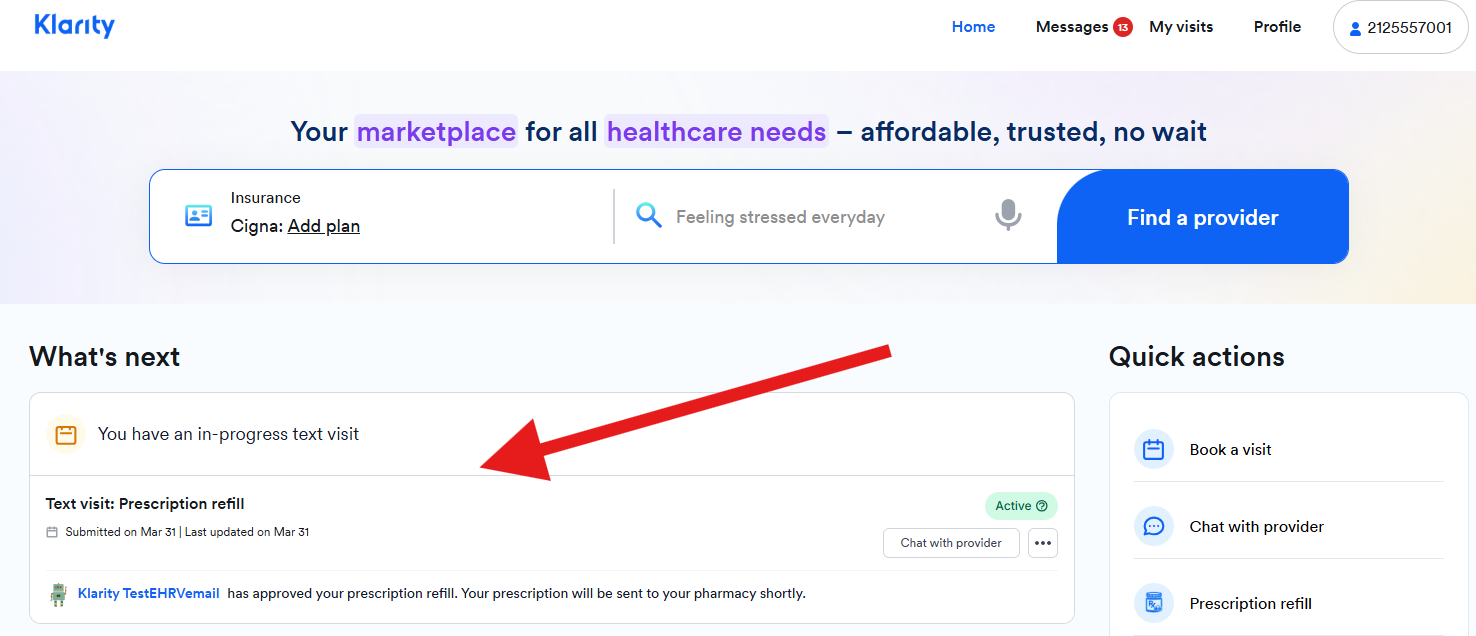
Prescription refill text visits are not guaranteed to be available for all providers. Each provider independently manages their own practice, and availability of this service may vary. Additionally, eligibility for text-based prescription refills may be subject to applicable state laws and regulations. We recommend reaching out directly to your assigned provider to confirm whether they offer this service.
1. Access the website via this link: https://www.helloklarity.com
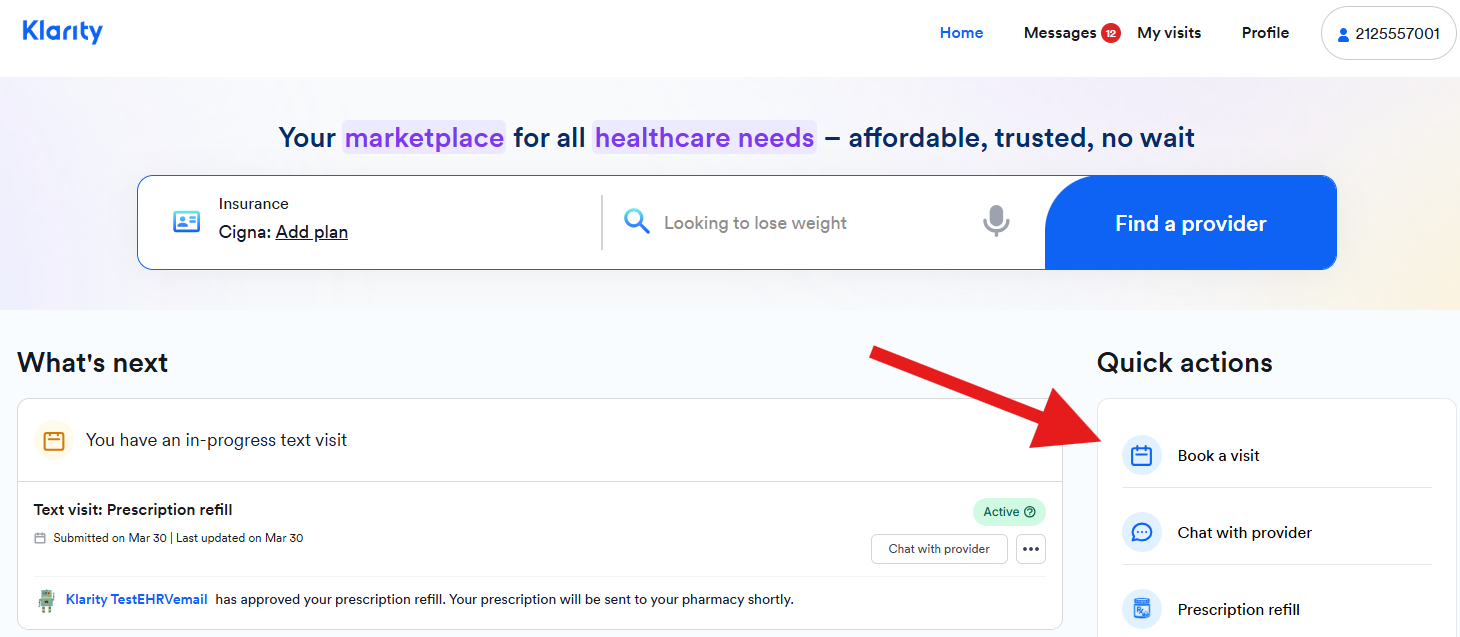
2. In the portal dashboard, go to Quick actions click and click on Book a visit.
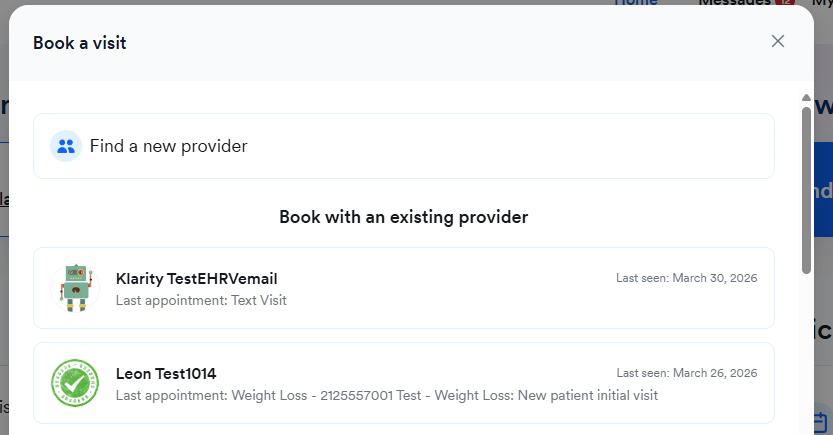
3. In the new window that will appear, select your existing provider.
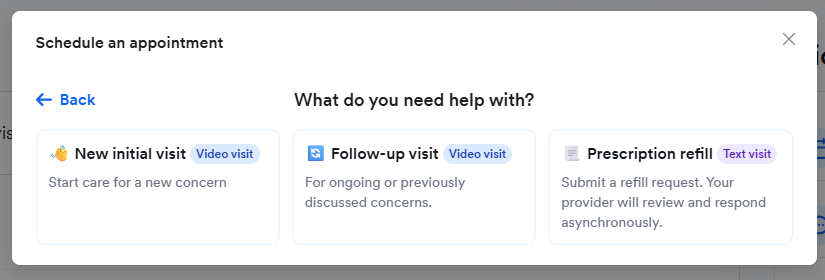
4. After selecting your provider, choose Prescription refill.
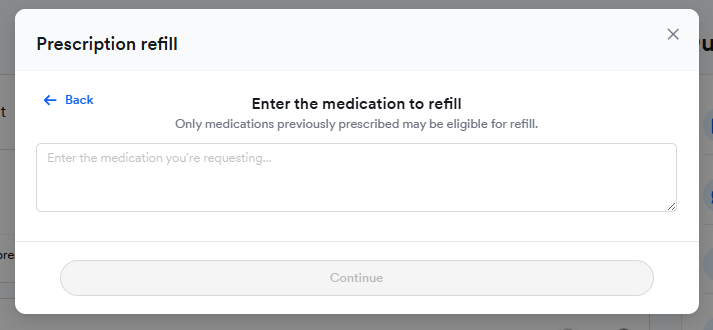
5. Enter the name of medication that you want to be refilled.
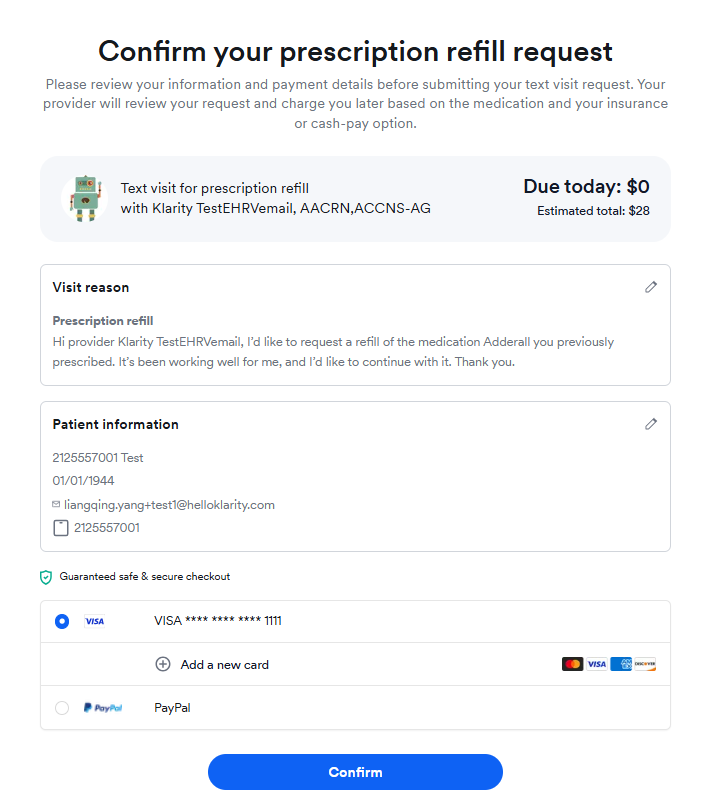
6. A new page will appear to confirm the details of your request. Click on Confirm if information is accurate.
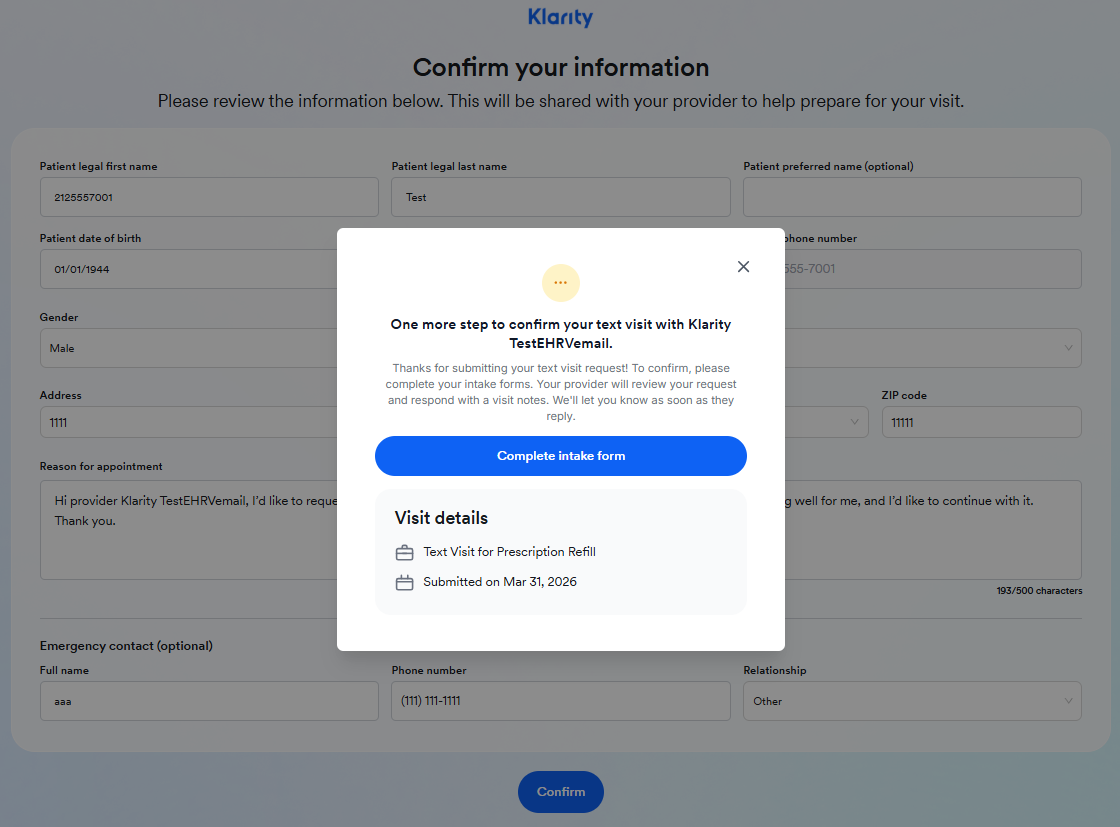
7. In the next page, you will be asked to complete your intake form to finalize the request. Once completed, click on Confirm.
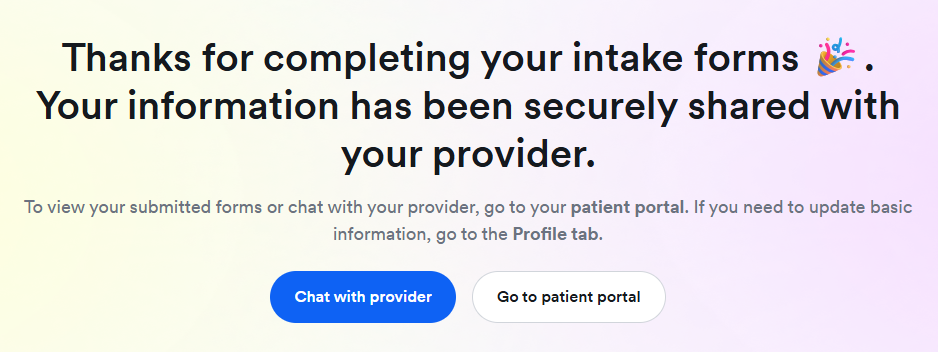
7. You will receive the following message to confirm that the intake forms are completed. Click on Go to patient portal to view your refill request.
8. In the dashboard, you should see the prescription refill request under the What's next section.